

How do I access my Capital Guardians account?
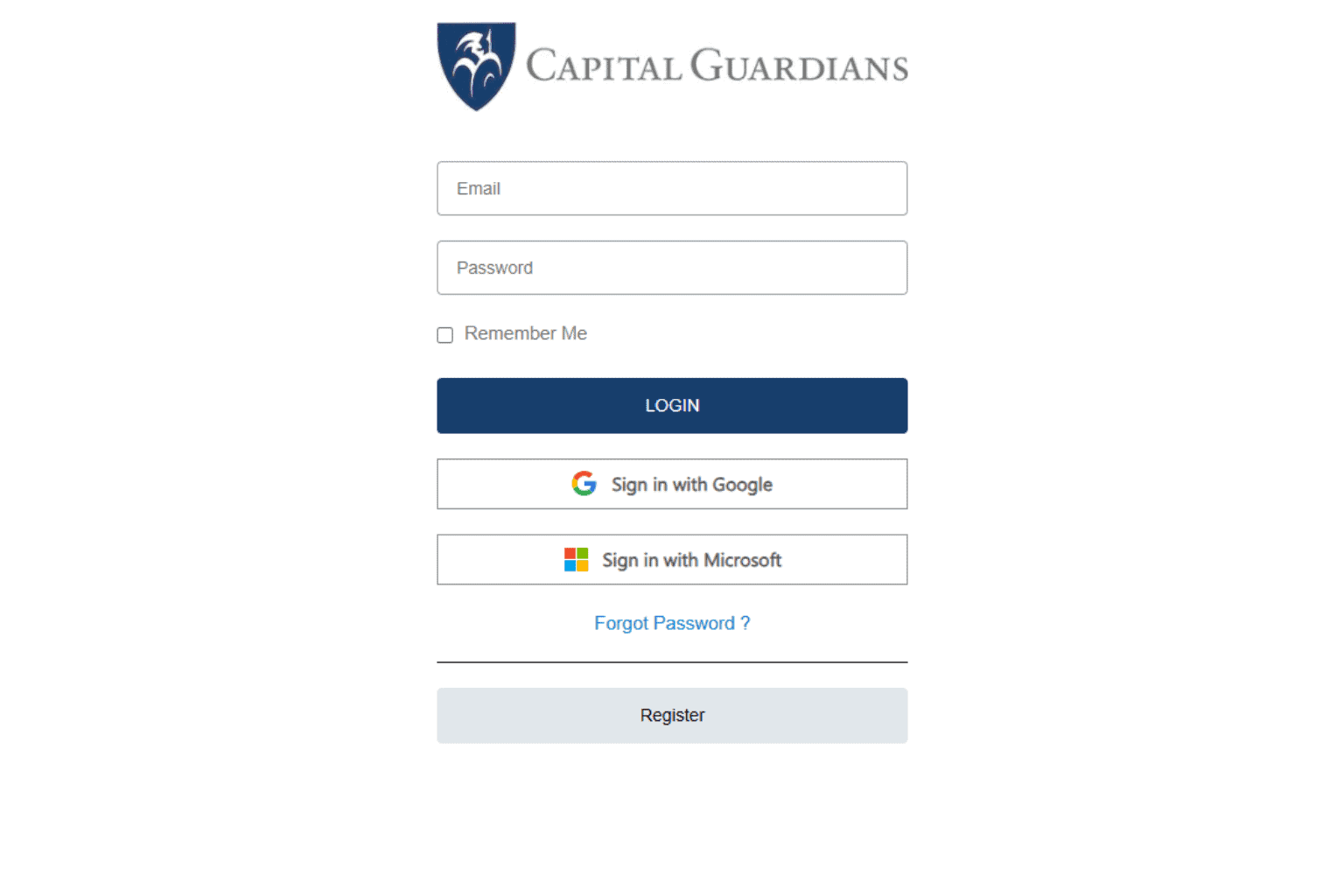
You can log into your Capital Guardians account at any time – Capital Guardians Login.
You can also access the Capital Guardians login page by visiting the Local Guardians homepage and clicking the “Login” button in the top right corner.
Enter your email address in the “Username” field.
Set your password when prompted. Remember to create a secure password and keep it confidential.
If you forget your password, click on the “Forgot Password” link. You will receive an email with instructions to reset your password. If you don’t receive the email, please contact your Care Advisor or Local Guardians for assistance.
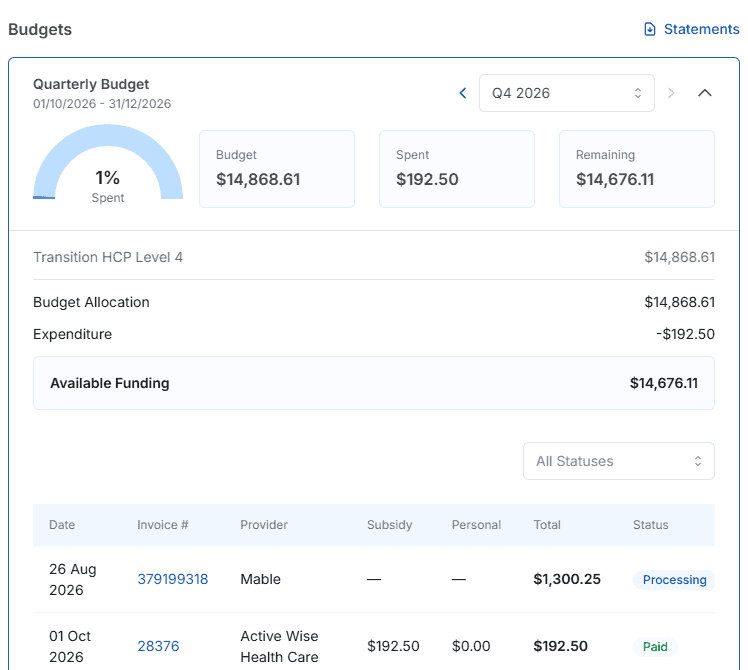
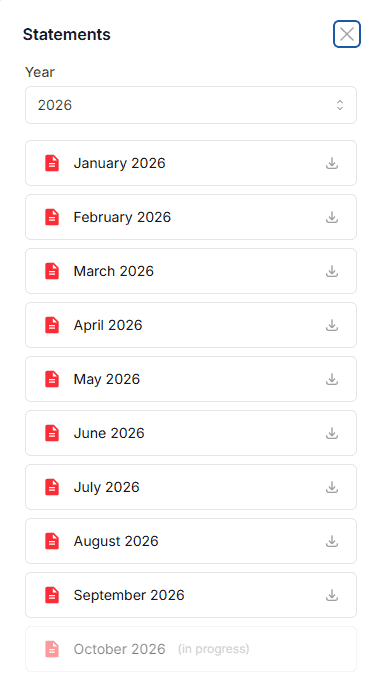
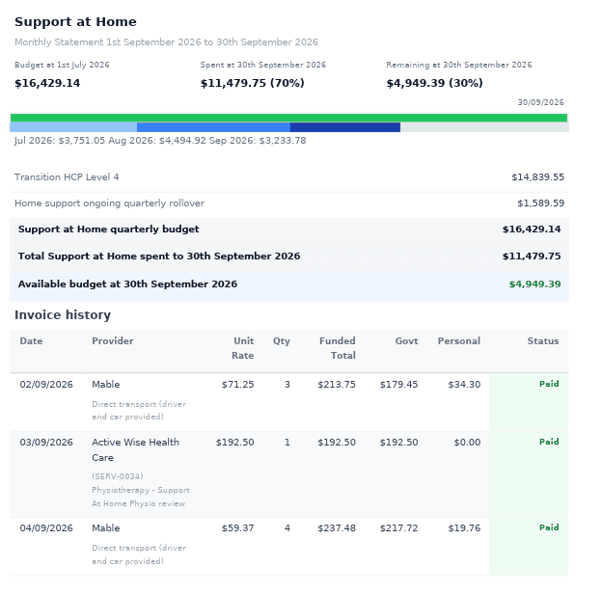
If you have multiple accounts, you can also select the balance figure to view statements for each account.